
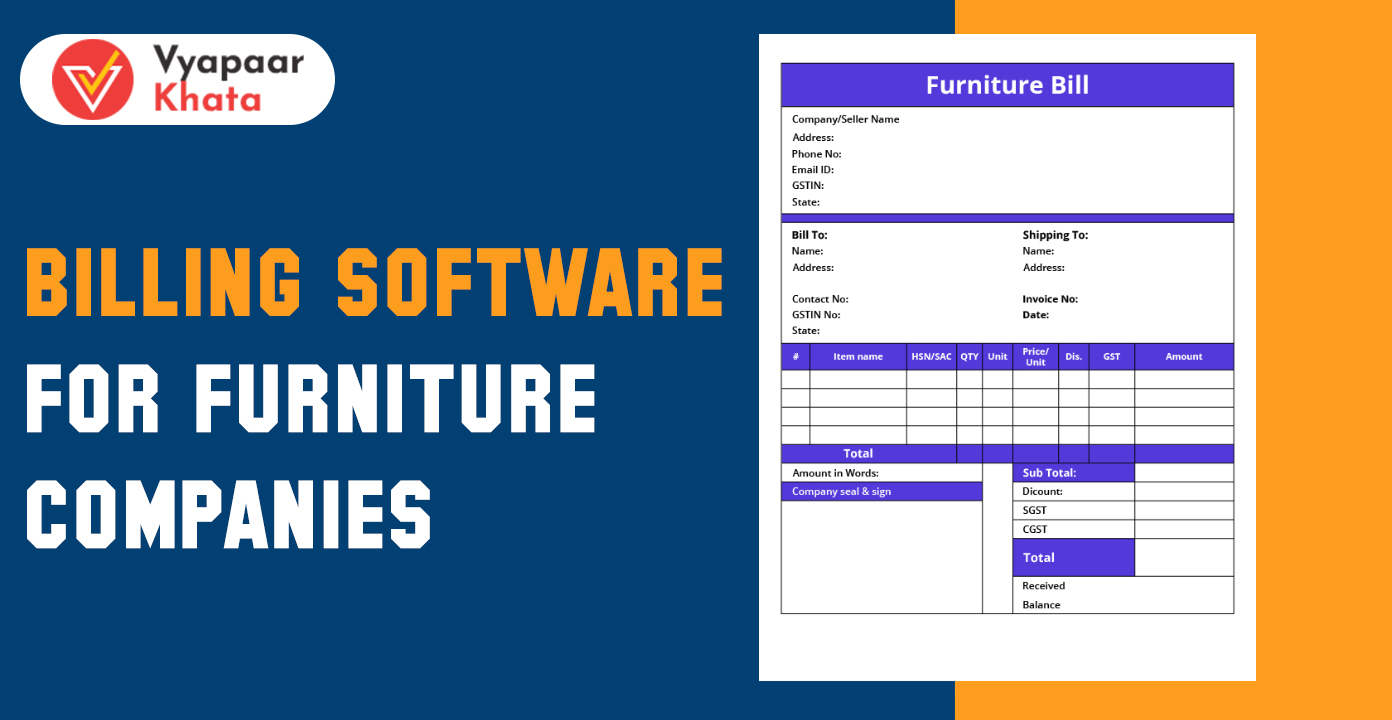
The furniture industry in India is rapidly evolving, covering retail showrooms, wholesale distributors, manufacturing units, interior designers, and modular kitchen companies. As product diversity increases—ranging from ready-made furniture to customized wardrobes and panel-based modular fittings—the operational complexity also rises.
Common Challenges Faced by Furniture Businesses
- Frequent pricing variations due to fluctuating raw material costs (ply, MDF, hardware).
- High SKU complexity: multiple designs, sizes, colors, materials.
- Custom orders requiring exact measurements, quotations, and approvals.
- Inventory mismanagement, especially for raw materials like wood, laminates, boards, foam, and fittings.
- Delayed billing and manual errors affecting cash flow and customer satisfaction.
To solve these issues, digital billing software has emerged as an essential tool. Modern systems streamline operations, improve accuracy, reduce waste, and help companies increase profitability through integrated inventory, billing, and production management.
What Is Billing Software for Furniture Companies?
Billing software for furniture companies is a specialized digital system used to manage:
- Billing & invoicing
- GST compliance
- Inventory of raw materials and finished goods
- Custom order pricing
- Production workflow
- Vendor & customer management
How It Works
- Enter product or custom order details.
- Generate automatic pricing with GST.
- Update inventory in real time.
- Track production job-work (for manufacturers).
- Record payments and sync accounting.
- Generate reports and analytics.
Generic Billing Software vs Furniture-Specific Billing
| Feature | Generic Billing | Furniture-Specific Billing |
|---|---|---|
| Supports custom-sized orders | No | Yes |
| Tracks raw materials (boards, wood, laminates) | No | Yes |
| Auto-generate cutting lists | No | Yes |
| Handles multiple SKUs per product | Limited | Extensive |
| Production/job-work module | No | Yes |
Cloud vs Offline Billing Software
- Cloud Billing Software
- Access from any location
- Auto-backups
- Sync with multiple branches
- Better for growing retail & modular furniture brands
- Offline Billing Software
- One-time installation
- Works without internet
- Suitable for small shops with limited billing needs
Key Features Required in Furniture Billing Software
GST-Compliant Invoicing
- Auto-apply HSN codes for wooden, steel, MDF, and modular furniture products.
- Generate e-invoices, e-way bills, and credit/debit notes directly.
- Integrated tax calculation with CGST, SGST, and IGST.
Inventory Management
- Track raw materials: wood, MDF, plywood, laminates, hardware fittings, foam, fabric.
- Track finished goods: tables, sofas, wardrobes, beds, chairs.
- Real-time stock deduction after billing or production use.
- Alerts for low stock & reorder levels.
Custom Order & Quotation Management
- Select multiple size and dimension options.
- Auto calculations based on area (sq. ft), material, design, and fittings.
- Convert approved quotations into orders with one click.
- Ideal for modular furniture, interior projects, and customized carpentry work.
Barcode & QR-Based Billing
- Each furniture SKU gets a barcode/QR label.
- Faster checkout for retail furniture showrooms.
- Prevents wrong product selection and duplicate entries.
Purchase & Vendor Management
- Store supplier records for wood, boards, and hardware brands.
- Compare vendor rates and track purchase history.
- GRN (Goods Received Note) entry to match purchase order vs actual supply.
- Helps control purchase costs and avoid mismatch.
Production & Job-Work Tracking (For Manufacturers)
- Manage cutting lists for boards, laminates, glass, and fabric.
- Create work orders for carpenters, polish teams, CNC and panel saw operators.
- Track labour hours and costing.
- Deduct raw materials automatically during production.
- Helps reduce wastage & optimize consumption.
CRM & Customer Management
- Maintain complete customer history.
- Follow-up reminders for delivery, installation, balance payments.
- Track warranty and after-sales complaints.
- Helps build long-term customer relationships.
Multi-Branch & Franchise Support
- Centralized dashboard to monitor all branches.
- Transfer stock between units.
- Assign permissions with role-based access control.
- Essential for multi-store retail chains and franchise models.
Payment & Accounting Integration
- Accept POS payments (UPI, card, cash).
- Track credit customers and due follow-ups.
- Auto post entries to ledgers, reducing accounting workload.
- Integrates with Tally/Zoho/Vyapaarkhata in many software systems.
Reporting & Analytics
- Daily, weekly & monthly sales reports.
- Identify fast-moving furniture (sofas, chairs, wardrobes) and slow-moving items.
- Category-wise profitability analysis.
- Stock ageing reports to reduce dead inventory.
- Purchase and production cost tracking.
Types of Billing Software for Furniture Businesses
Retail Furniture POS Billing Software
For furniture showrooms, multi-brand stores, chain outlets.
Wholesale & Distributor Billing Software
Supports bulk billing, transport management, pricing tiers, godown management.
Furniture Manufacturing ERP with Billing
End-to-end management for factories:
- BOM creation
- Raw material allocation
- Production planning
- Job-work tracking
Interior Designer Billing Software
Suitable for project-based billing:
- BOQ (Bill of Quantity)
- Material selection
- Cost estimation
- Project-wise billing
Modular Kitchen Billing Solutions
For modular furniture and kitchen brands:
- Sq. ft based pricing
- Auto quotation
- Material breakdown
- 3D design integration (optional)
Cloud-based Billing Software
For businesses needing remote access, mobile apps, and multi-branch sync.
How Billing Software Helps Furniture Companies
- Reduces billing errors with automated GST & HSN.
- Speeds up checkout in retail stores using barcode billing.
- Controls stock leakage by tracking raw materials & finished goods.
- Improves raw material consumption by managing cutting lists and wastage.
- Helps manage project-wise costing for interior & modular furniture companies.
- Enhances purchase planning using vendor records & rate comparisons.
- Ensures GST compliance with automated e-invoices & e-way bills.
- Improves customer experience with fast billing and better service tracking.
Step-by-Step Workflow of Furniture Billing Software
Billing software for furniture companies follows a structured workflow to streamline everything—from creating SKUs to completing GST billing and analysis. Here’s a clear breakdown:
Step 1: Product Creation (SKU / Material List)
- Add ready-made furniture items (sofas, beds, wardrobes, dining sets).
- Create raw material SKUs (plywood, MDF, veneer, fabric, hinges, handles).
- Define variants by size, color, material grade, and design.
- Generate barcodes/QR codes for each SKU.
- Assign HSN codes and GST percentages automatically.
Step 2: Order Entry or Quotation
- Add customer details.
- Enter product or custom size-based orders.
- Auto-calculate prices based on:
- Dimensions
- Material selection
- Finish type (laminate, polish, duco)
- Create professional quotations.
- Convert approved quotations into sales orders with a single click.
Step 3: Production / Procurement
- For manufacturing orders:
- Generate cutting lists for boards and laminates.
- Create job-work orders for carpenters, CNC, painting, upholstery.
- Deduct raw materials from stock.
- For retail/wholesale:
- Auto-generate purchase orders if items are out of stock.
- Receive goods using GRN entry.
Step 4: Item Selection During Billing
- Scan barcodes for fast checkout.
- Pick items from inventory or from custom-order list.
- Add delivery charges, installation charges, packing & transport if required.
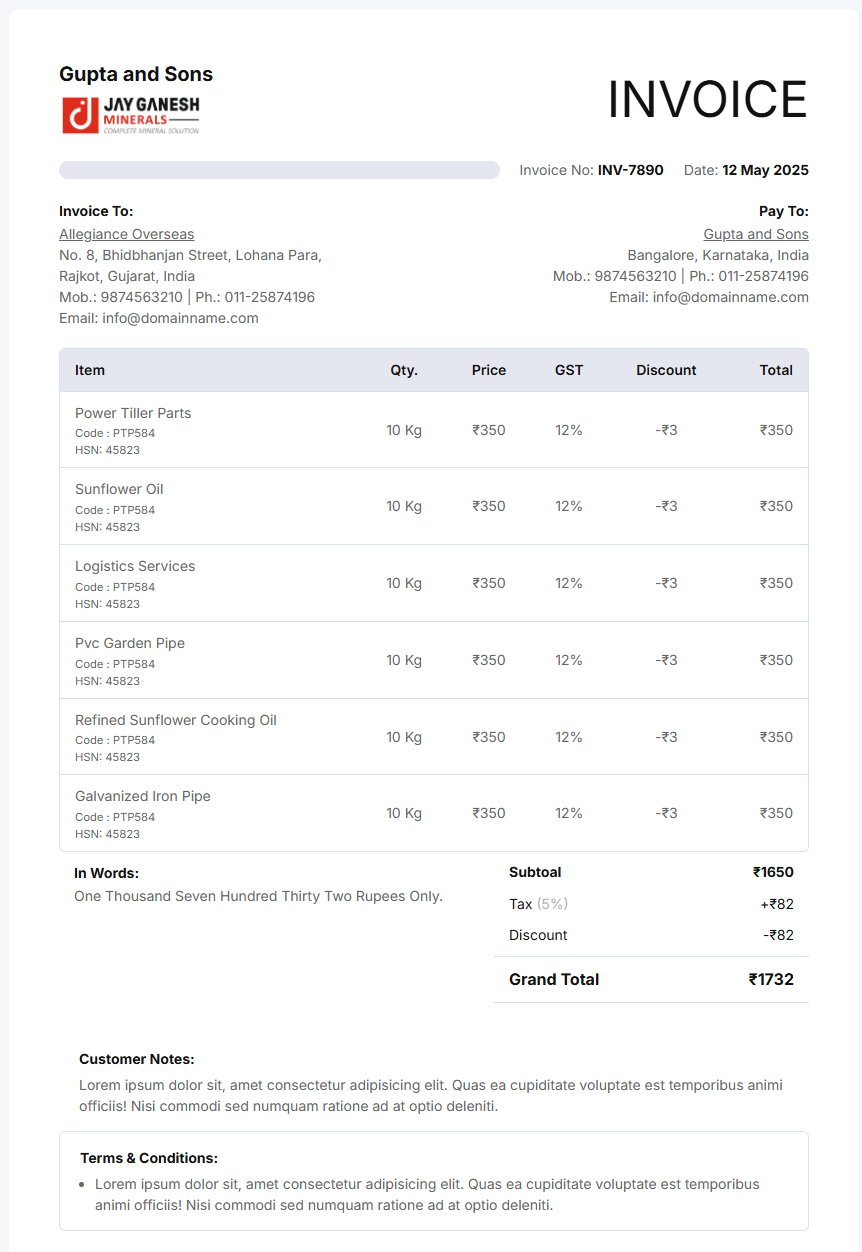
Step 5: GST Invoice Generation
- Auto-apply HSN codes.
- CGST/SGST/IGST auto calculation.
- Generate:
- Tax invoice
- E-invoice (IRN)
- E-way bill
- Delivery challan
- Print or share invoices on WhatsApp/email.
Step 6: Payment Collection
- Accept multiple payment modes:
- UPI
- Cards
- Cash
- Bank transfer
- Wallets
- Manage due payments for credit customers.
- Auto-post accounting entries (ledger/journal).
Step 7: Reporting & Analytics
- View daily, weekly, and monthly sales.
- Track top-selling furniture products.
- Analyze raw material consumption.
- Monitor stock ageing to reduce dead inventory.
- Get branch-wise performance insights.
Billing Software for Furniture: Use Cases
Billing software supports a wide range of furniture-related businesses. Here are detailed use cases:
1. Furniture Retail Showrooms
- POS billing with barcode/QR scanning
- EMI/credit customer tracking
- Catalog display with photos and specifications
2. Furniture Manufacturers
- Raw material inventory and consumption tracking
- Production planning & job-work management
- Costing and wastage analysis
3. Modular Kitchen Companies
- Sq. ft and running ft-based billing
- BOQ (Bill of Quantity) creation
- Custom size & design-based quotation
4. Interior Design Studios
- Project-wise billing
- Material & labor cost breakup
- Vendor coordination and purchase management
5. Office Furniture Suppliers
- Bulk order billing with multiple GST slabs
- Fast-moving SKUs tracking
- Tender & contract-based billing
6. Custom Carpentry Workshops
- Made-to-order billing with exact size inputs
- Wood & hardware consumption tracking
- Job-wise labor costing
7. Wholesale Timber & Plywood Dealers
- Multiple unit billing (sq. ft, cubic ft, sheets)
- Bulk order management
- Transport & logistics billing
How to Choose the Right Billing Software
Choosing the best billing system depends on your business size, workflow, and growth requirements. Consider the following factors:
1. Size of Business (Small Shop vs Factory)
- Small shops need fast POS & simple inventory.
- Large manufacturers need full ERP with production modules.
2. Customization Requirements
- Modular furniture and interior companies require custom dimension billing.
- Manufacturers need job-work automation and cutting list generation.
3. Number of Branches
- Multi-store brands should choose cloud-based, multi-branch software.
- Role-based access & centralized control are essential.
4. Cloud vs Desktop Need
- Cloud: Remote access, mobile app, multi-branch sync.
- Desktop: One-time cost, works without internet.
5. Budget
- Retail POS systems are low-cost.
- Manufacturing ERP solutions involve higher investment.
6. Expected Order Volume
- High-volume retailers need software with barcode scanning and fast checkout.
- Manufacturers need bulk raw material tracking capabilities.
7. Integration Requirements
- Accounting integrations (Vyapaarkhata/Tally/Zoho)
- Payment gateways
- CRM
- E-invoice & e-waybill API integrations
Future Trends in Furniture Billing & ERP Software
The furniture industry is moving toward automation, digital transformation, and Industry 4.0. Here are the upcoming trends:
1. AI-Powered Stock Prediction
- AI analyzes past sales and seasonal trends.
- Predicts demand for raw materials like plywood, MDF, laminates, foam.
- Reduces over-purchasing and prevents stockouts.
2. AR/VR Integration for Custom Orders
- Customers can visualize:
- Wardrobes
- Modular kitchens
- Sofas
- Cabinets
- Helps generate precise BOQs & pricing directly from 3D designs.
3. Voice-Based Billing
- Voice commands to create invoices or add SKUs.
- Faster billing for retail stores and busy workshops.
4. Cloud-Based Collaboration
- Seamless workflow between:
- Designers
- Sales team
- Warehouse
- Manufacturing units
- Real-time updates using mobile apps.
5. Connected Manufacturing (Industry 4.0 for Furniture)
- CNC machines, edge banders, and panel saws connected to ERP.
- Automated cutting lists and production scheduling.
- Live tracking of job progress.